

Writing a children story book is one of the most rewarding creative projects you can take on. Whether you’re crafting a bedtime tale, a story to teach life lessons, or a magical adventure starring a child as the hero, today’s tools make the process faster, easier, and more creative than ever.
With the rise of the AI story generator, anyone can create a personalized story book—even without prior writing or illustration experience. In this guide, we’ll walk through how to write a children’s story book and how Story Spark gives you everything you need to turn an idea into a professionally printed book.
- Start with a Simple, Child-Friendly Idea
Great children’s stories begin with simplicity. Think about:
- A clear main character (often a child or animal)
- A single problem or goal
- A positive message or lesson (kindness, courage, friendship)
This is where a personalized story book really shines. Instead of a generic hero, your story can feature:
- A child’s name
- Their appearance or personality
- Familiar places, pets, or family members
Personalization instantly makes the story more engaging and meaningful for young readers.
2. Use an AI Story Generator to Write the Story
An AI story generator helps you move from idea to finished draft in minutes.
With Story Spark, you can:
- Generate an entire children story book from a short prompt
- Choose the age range, tone, and length
- Create personalized stories tailored to a specific child
AI doesn’t replace creativity—it amplifies it. You can edit, refine, or regenerate sections until the story feels just right.
✨ Tip: Many authors use AI to overcome writer’s block or to quickly create a first draft they can polish.
3. Illustrate Your Children’s Story with AI
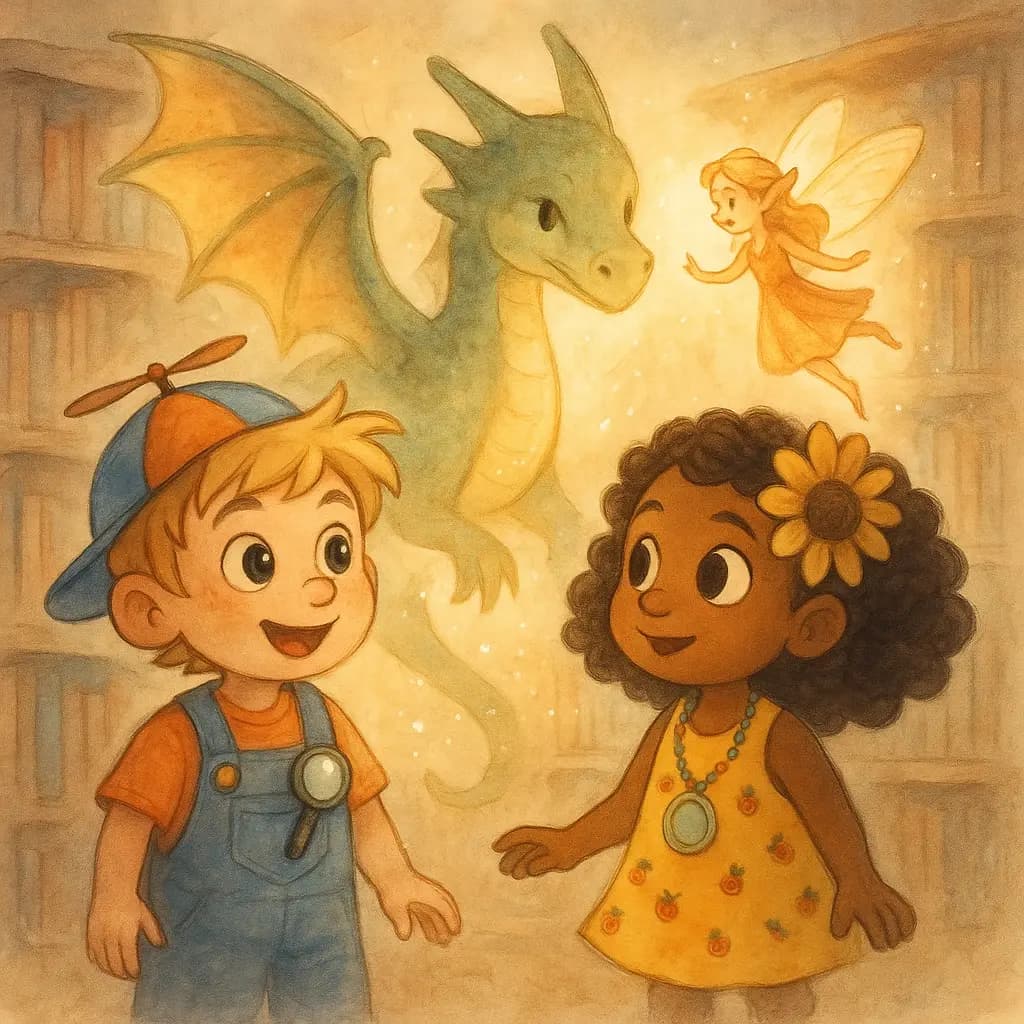
Illustrations are essential in any children's story book. They help young readers understand the story and spark imagination.
Story Spark allows you to:
- Generate illustrations automatically from your story
- Keep a consistent art style across all pages
- Illustrate the entire book—or just specific scenes
You can even use Story Spark only for illustration, if you already have a written manuscript. This makes it perfect for both new creators and experienced authors.
4. Perfect Formatting, Layout, and Pagination
One of the hardest parts of creating a children’s book isn’t writing, it’s making it look like a real book.
Story Spark handles:
- Professional page layout
- Correct pagination for print books
- Text-to-image balance for young readers
- Print-ready formatting
You don’t need design software or technical knowledge. Everything is done for you, so your children's story book looks polished and bookstore-ready.
5. Print and Publish Your Book Worldwide 🌍
Once your book is complete, Story Spark makes it easy to bring it into the real world.
You get access to:
- Multiple book sizes and formats
- High-quality printing options
- Worldwide printing and fulfillment
- Digital and physical book exports
Whether you’re creating one personalized story book as a gift or planning to sell your book globally, Story Spark supports you every step of the way.
Why Story Spark Is the Best Way to Create a Children Story Book
Story Spark isn’t just an AI story generator, it’s an all-in-one publishing platform designed specifically for storytellers.
With Story Spark, you can:
- Write stories with AI
- Illustrate with AI
- Personalize books for children
- Format, paginate, and design professionally
- Print and distribute around the world
All in one place.